
Hello my friends!!! I have been all over the place in the past few weeks and the reason for that is because of exams, club meetings, and I recently added a TESOL minor, which is Teaching English to Speakers of Other Languages Licensure Minor. This licensure is designed for students interested in teaching English as a second language in a K-12 setting. I also got the privillage to witness an ELL bilingual teacher, Emma Behlen who works in the Darlington school district as she works mainly with students who speak spanish as their native language, coming into the United States not knowing any English. I went to observe with Dr. Yuanguan Hu who is the director of the TESOL program, on how the teacher, Emma interacts with her students and what methods she is using in her classroom to teach to the EL kids. I was able to get first hand expeirence if being an ELL bilingual teacher is what I truly want to be in the future, and honestly it is something I would love waking up everyday knowing I am helping a child learn English. I say this because I have seen my dad and grandparents struggle with not being able to speak English in America and every time they have a doctor’s appointment or want to go out, they ask me or my siblings to go with them because they need a translator. Therefore, I know the importance of being able to speak English in this country is essential.
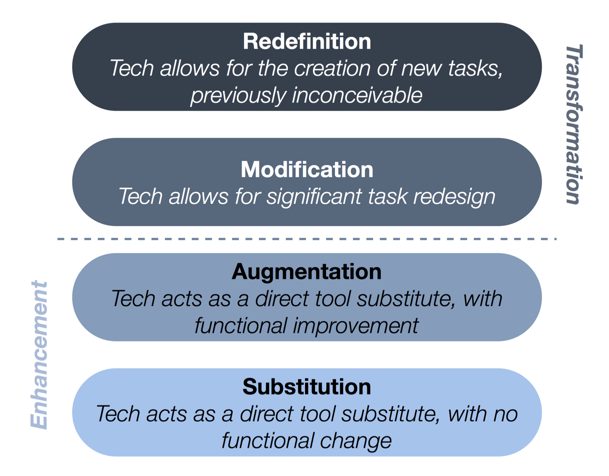
Before I jump in, let me back track and tell you what I have been learning in my Ed Media Theory class. In the past few weeks, I have learned about SAMR and Bloom’s taxonomy and for those who aren’t education majors, probably don’t know what those words stand for and what there purpose serves. SAMR stands for substitution, augmentation, modification, and redefinition and the purpose of SAMR is a model designed to help educators infuse technology into teaching and learning. It enables teachers to design, develop, and infuse digital learning experiences that utilize technology.
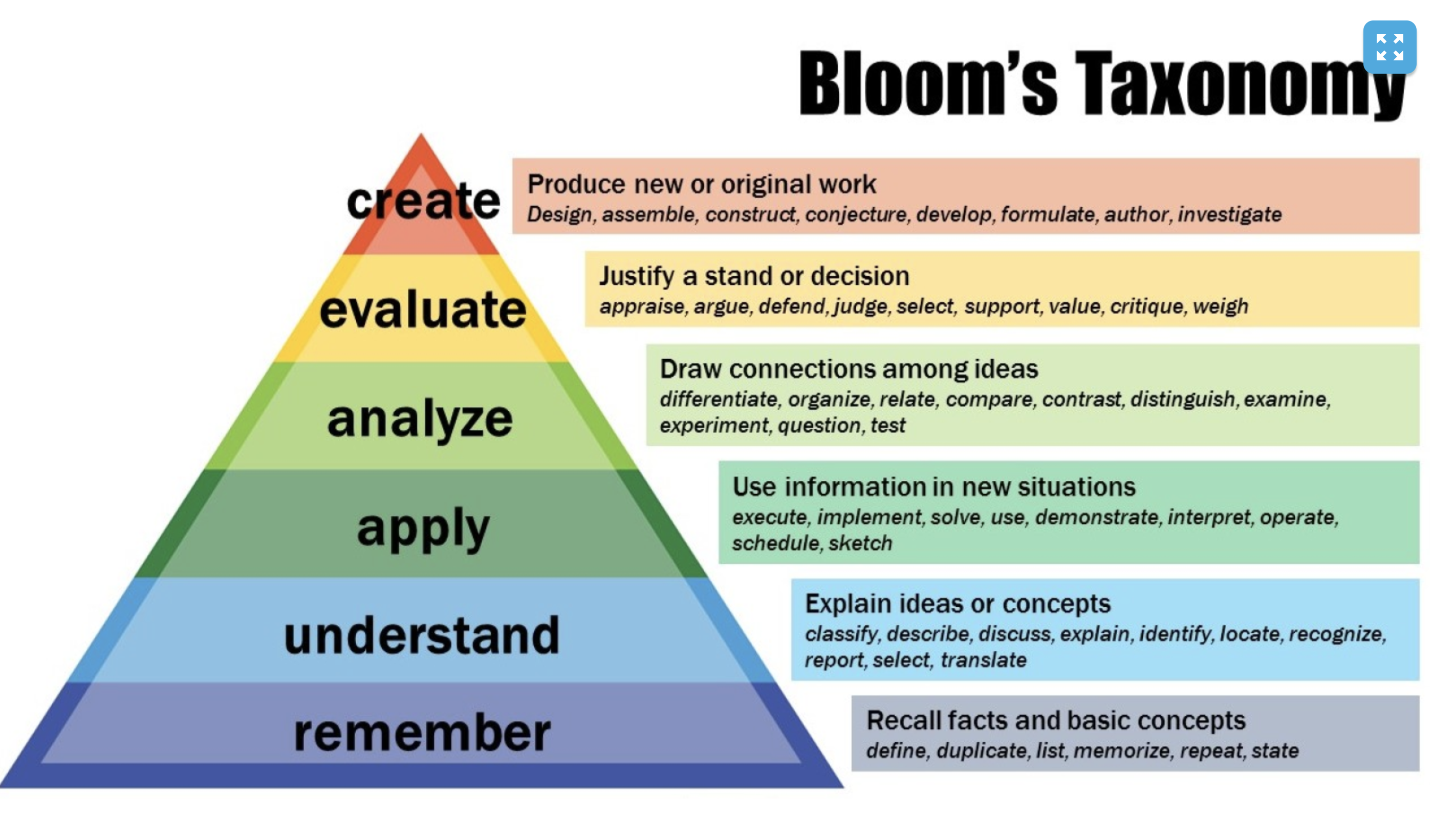
Along with the Bloom’s taxonomy topic I learned an educator should know the importance of using it in their future classroom. Bloom’s taxonmoy is a set of three hierarchical models used to classify educational objectives into levels of complexity and specificity. The models were named after Benjamin Bloom, who charied the committee of educators that devised the taxonomy. As Caitlin mentioned, it is used when teacher want to ask questions, write tests, and design other assessments. The objective of this is to encourage higher level thinking by building on lower-level cognitive skills.
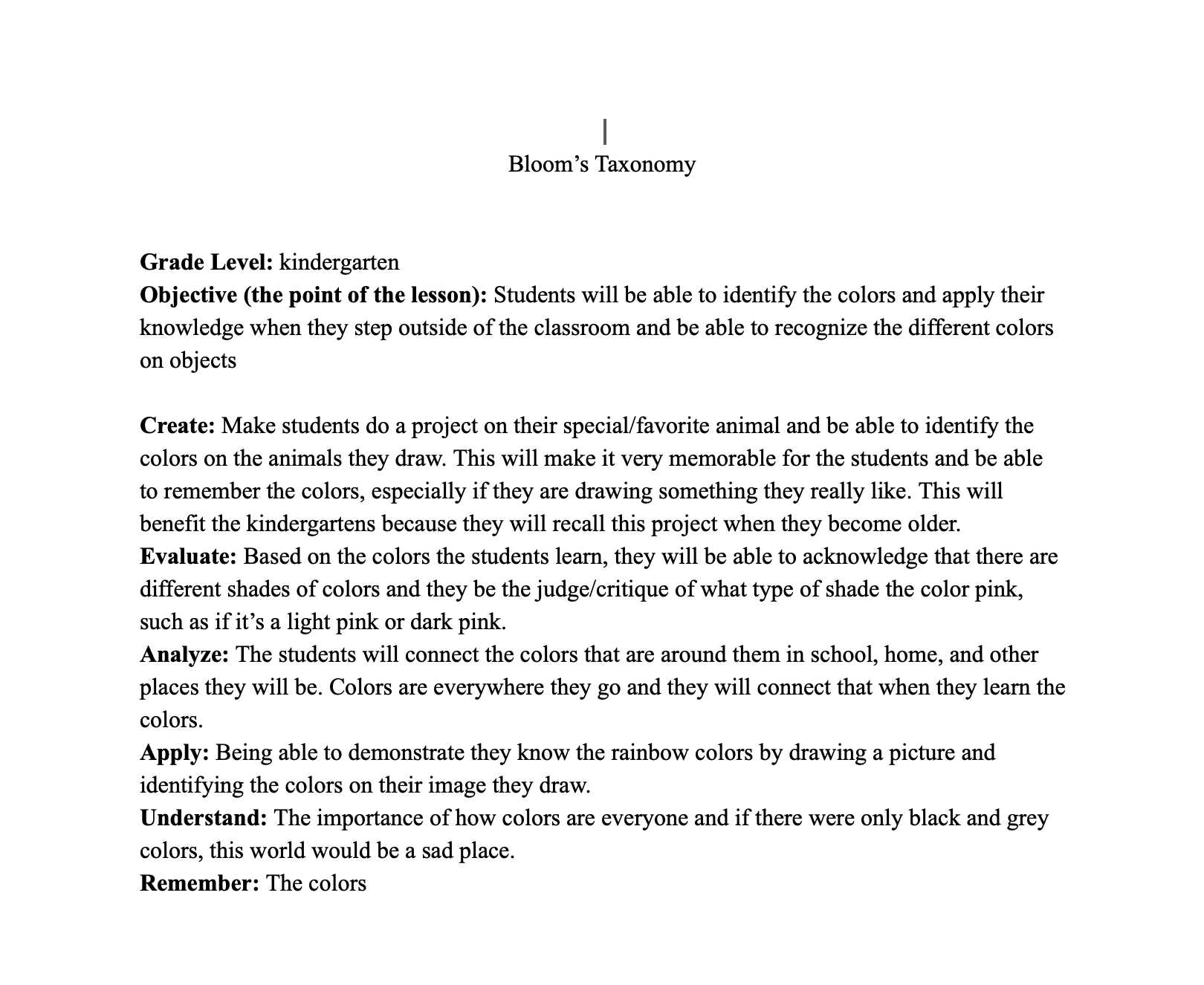
Video to Bloom’s Taxonomy explaining the why, how, and examples.
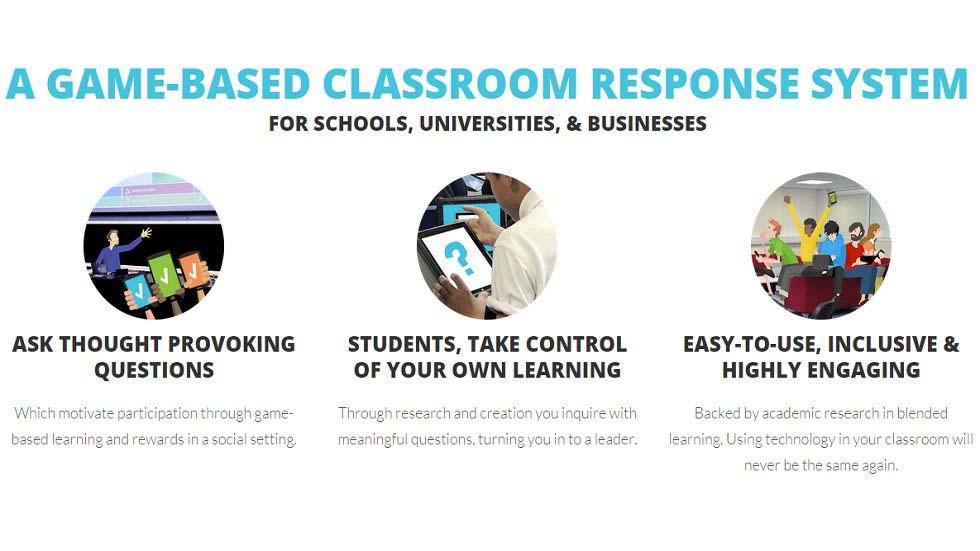
The three technology resources I would like to use in my future classroom would be Kahoot, chrome extensions, and Youtube playlist. Kahoot falls within the lines of SAMR and Bloom’s taxonomy because it is a tool that uses technology to administer quizzes, discussions, and/or surveys. It is a game-based learning platforms, used as educational technology in classrooms, that uses multiple-choice quizzes and can be accessed with smartphones, tablet, or computer. Kahoot can bea great technology resource that brings a lot of interaction to the classroom, engaging students to participate. The teacher is in control of advancing the questions allowing the teacher the opportunity to build discussion time between questions. A majority of students have said they like the competitive nature of the game and helps them retain concepts because of the pictures and videos teachers add to the Kahoot they created. Although Kahoot can be a great tool used in a classroom, there are some disadvantages. Such as Kahoot games are not used to thoroughly teach material, the way it reviews material is too dependent on time given to answer the questions and teacher discussion regarding wrong answers. For example, if multiple students answer a question incorrectly, depending on whether or not the teacher wants to discuss why, or just move on with the game, the students will not get an explanation to why they answered the question incorrectly, nor will the teacher understand the nuanced thought process’ of each student into why they chose a certain answer over the correct one. However, this argument is still heavily dependent on the teacher who is conducting the Kahoot. So, because Kahoot itself has too many factors to consider how productive the outcome truly is, it might be better not to use it as a first option.
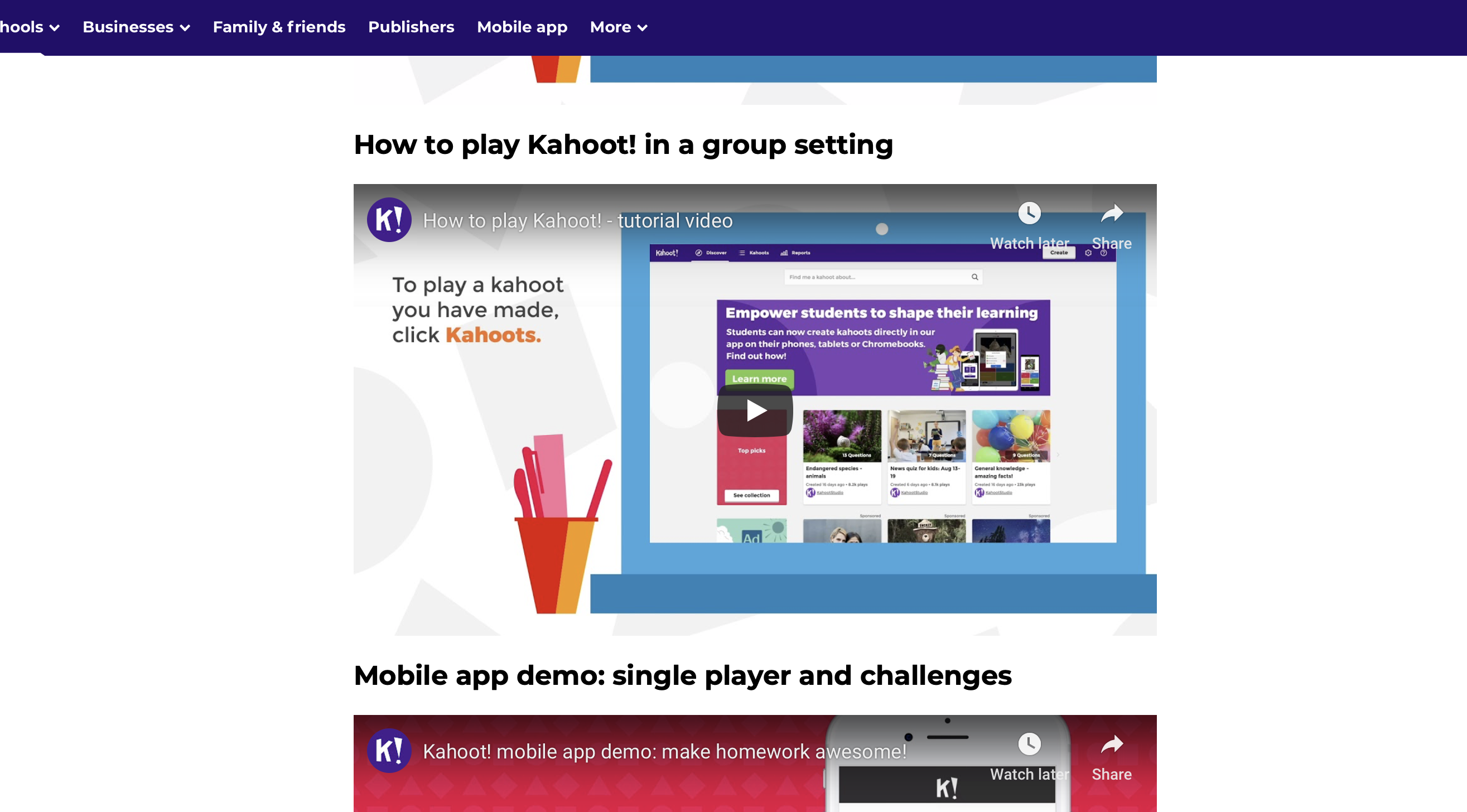
Here is the link to multiple videos that helps guide a teacher on how to use Kahoot:
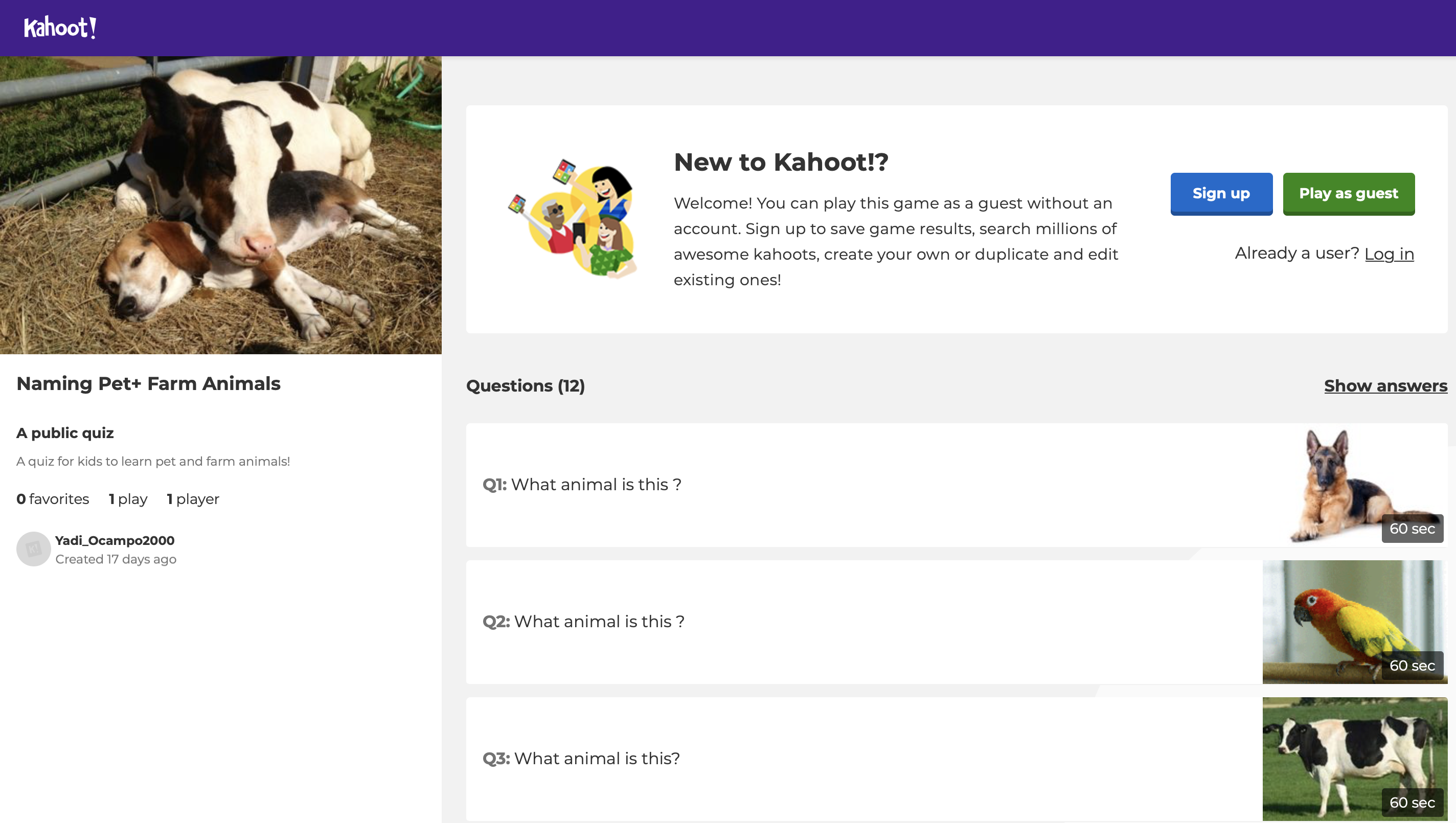
The Link to my Kahoot I created! This would be for K-4th grade.
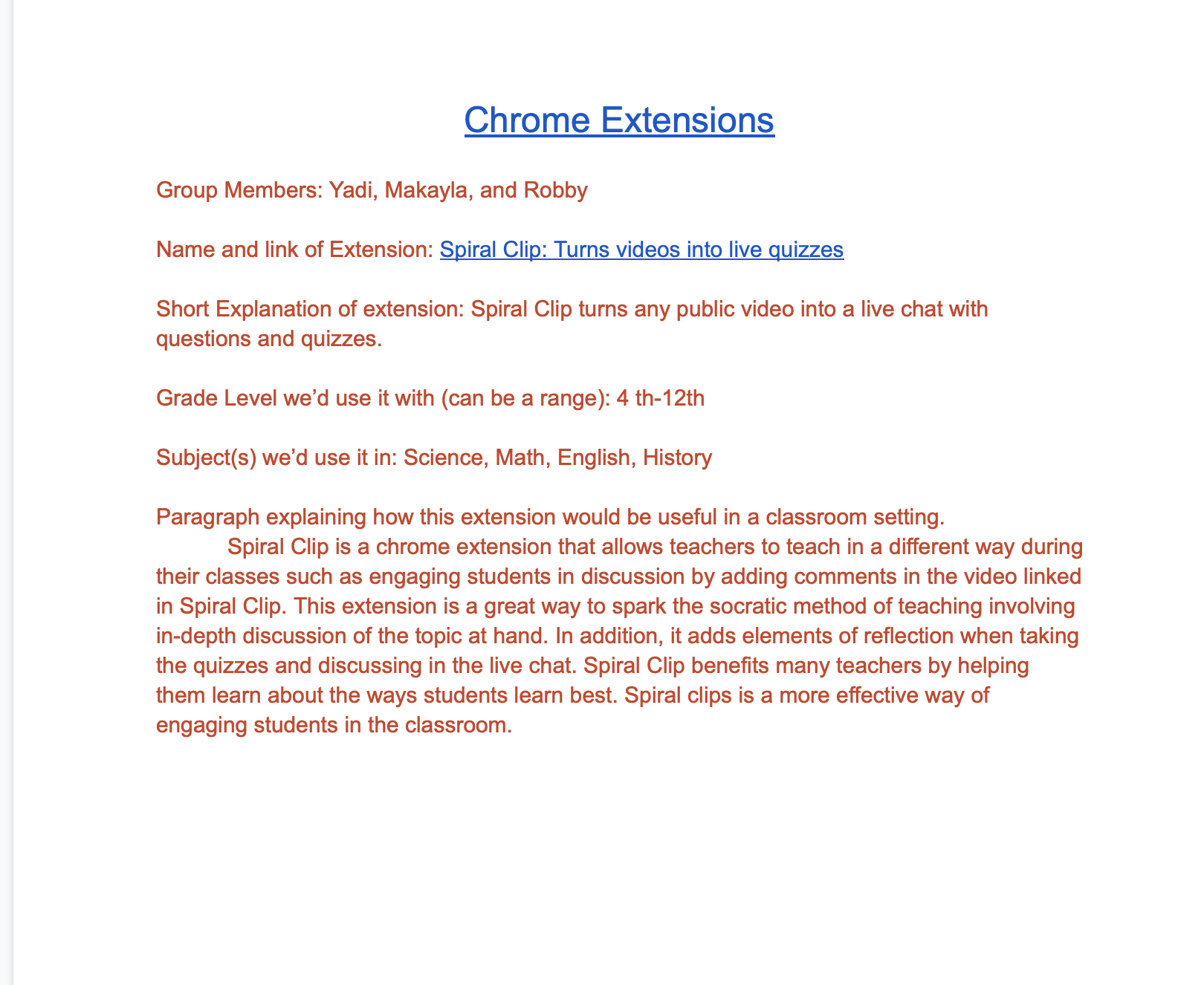
Chrome extensions would be very beneficial to use in my future classroom because it is a small software programs that customize the browsing experience. It would challenge students to be able to use technology and get the full experience on what chrome offers because as technology continues to grow and get more advanced, students and teachers also need to get taught and use the new technology that is coming out. For the purpose to improve classrooms and so kids can have more available resoucres at their hands. Even if my students can’t take their laptops home, it is a supportive tool that can help kids when they are doing assignments or projects during work time. Chrome extensions would be very beneficial for kids with disabilties, such as read and write. But there could be some cons while using chrome extensions because my students and I could run into technology issues.
A link to a video on 10 chrome extensions that are useful, enjoy!
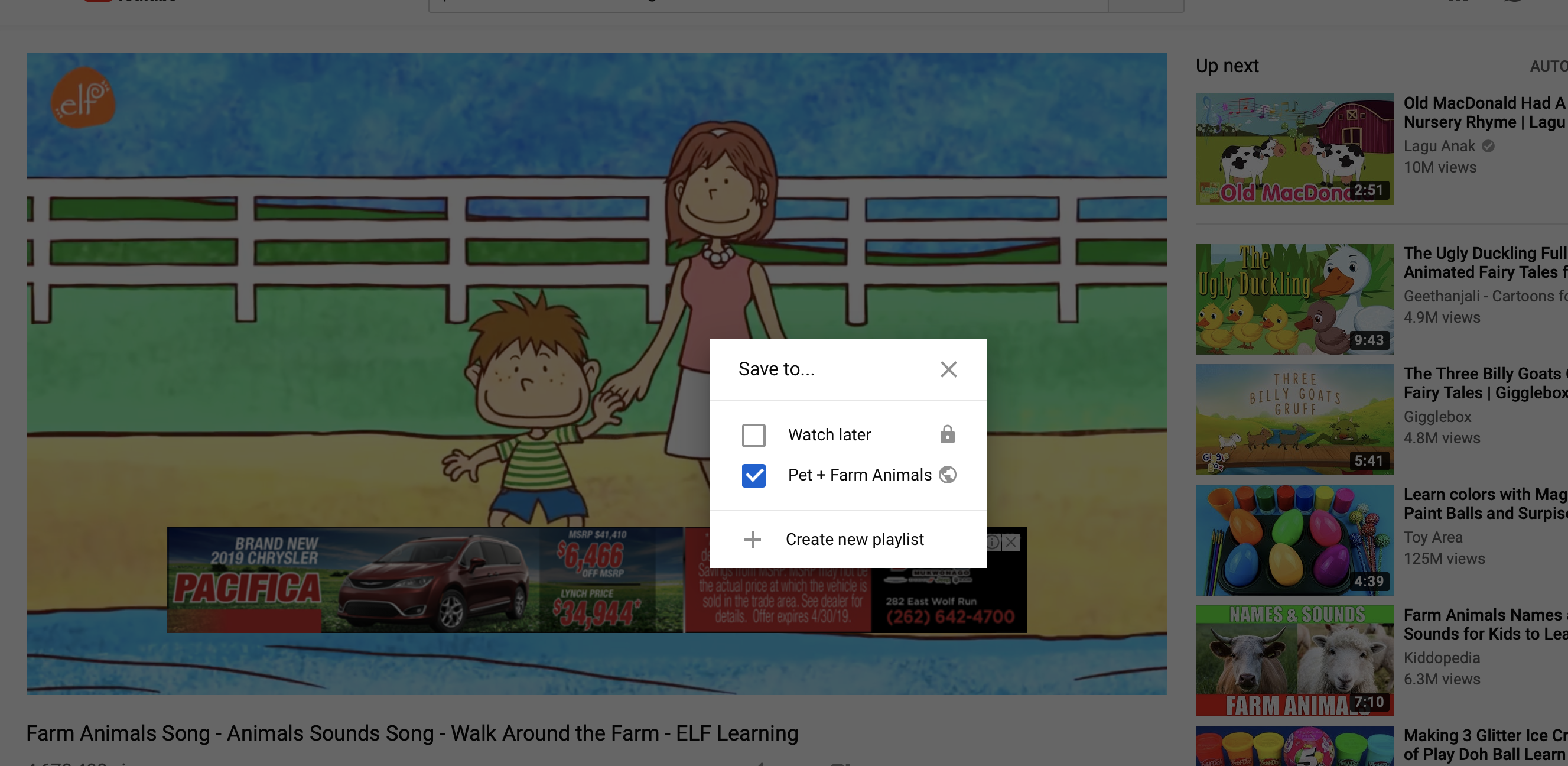
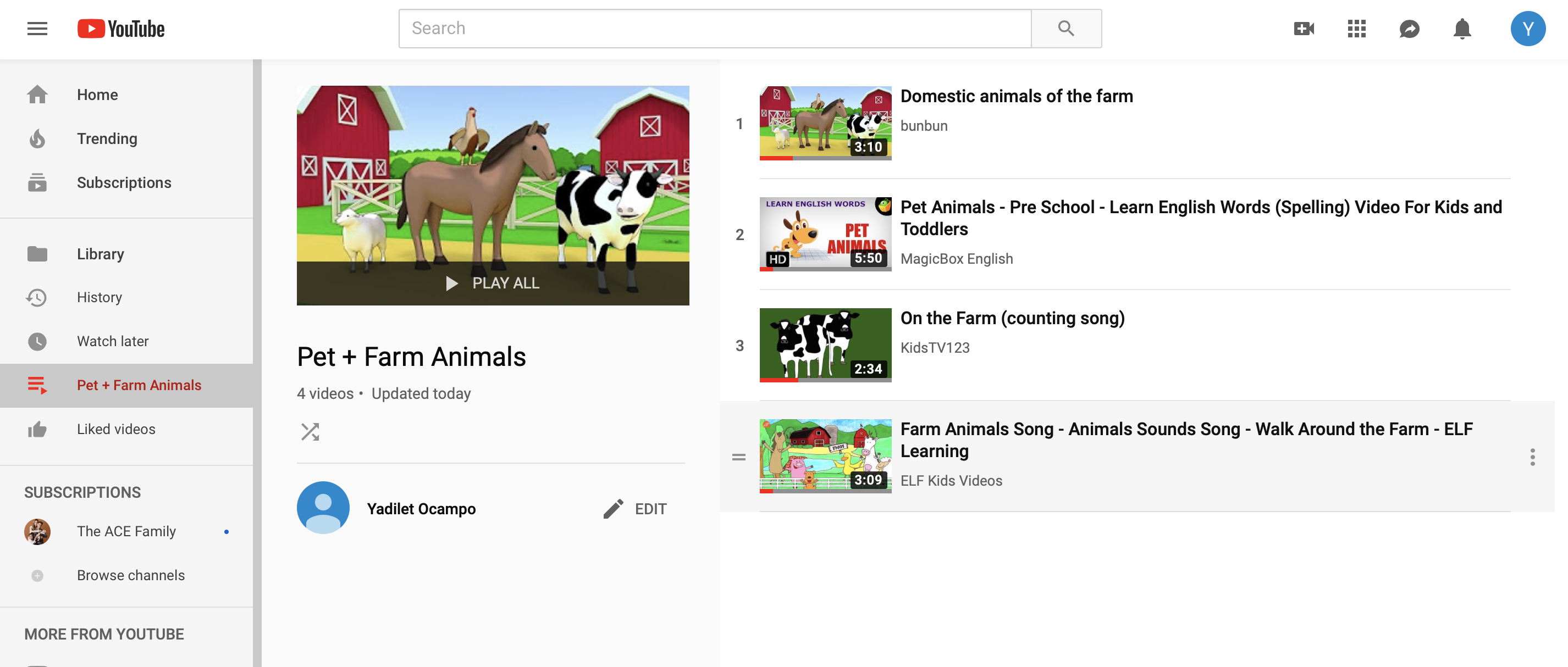
A Youtube playlist is another great tool that teachers can use for perparing for a class, if they plan on showing more than one video. A playlist helps a teacher stay organized and the nice thing about it is that the next video starts automatically so you don’t have to click or search to start playing a new video. A youtube playlist is helpful for teachers because students often get distracted when a teacher searches the next video and by the time the teacher gets the video up and going, you have lost the students attention. For instance, if I assign a group project where kids have to make videos on three different scenes from a book we read, they would upload the videos to Youtube and make a playlist to show the class and the three videos would automatically play without having to click on the next video. The only con I can think of is technology issues once again, therefore, I would make sure I had a backup if I were going to show videos during my science class.
Overall, these technology resources I learned in Ed Media Theory were very useful and I will be using them in my future classrooms. I have realized that I will have students who learn differently so I will have to be able to accommodate to my students needs. Especially if I am working with Hispanic children that don’t know any English, I will need to come up with lesson plans that include visual, auditory, read& write, and kinesthetic. I hope that I was able to provide useful information to my educators and future educators tools to apply in their classrooms to improve their teaching styles.
 Miss. Ocampo's Blog