1 Technology-Related SMART Goal + 1 Personal SMART Goal

Hello my friends!!! Spring semester has came to an end and summer is right around the corner. For my Ed Media Theory class, my final exam is to creat one technology-related SMART goal and one personal SMART goal in order to apply what my classmates and I have learned throughout the semester in our other future teaching classes. In the last few months, I have learned many useful technology tools and I will be utilizing them in my future classes as a student, and at the same time, I will take advantage of them during my future classroom as a teacher. Before I graudate UW- Platteville, I want to strive to become the best future teacher I can be, so with the purpose of setting goals as a future teacher and student, that will help me accomplish them before my three years of college.

Goal #1: I will blog so that I will capture all my experiences in college by graduation, which is May 2022 as measured by the time and effort I put into working on my blogging throughout my college years, based on the experiences I have working with children and student-teaching.

The technology- related SMART goal I want to continue working on is blogging, as I have found it to be a very beneficial tool during my journey as a teacher is in progress. As a future teacher, I think blogging is a super cool idea to create an awesome website for student’s parents to see what their children are doing in class and when applying for a job at a school, showing the people who will be interviewing me the involvment I had with kids and the experiences I had, as I hope emphasis that I will continue with my blog in my classroom.

Action Plan: I will complete my task by myself, which the time I will need to improve is based on my 6 month period I have given myself to get involved volunteering at a elemntary school and working at the children’s center on campus in order to write blog posts about my journey of becoming a future educator. But the overall deadline would be when I graduate college, which is May 2022, in hopes of having a job lined up before I graduate. I will need mainly kids to write blog posts because I will be an elementary teacher, so between the ages of birth-11 years old. I have already gotten a volunteering opportunity to work at an elementary/middle school in Darlington to do after school tutoring with Hispanic kids who barley speak English to work with them, and I have got hired to work at the children’s center. I will need my phone to take pictures and then I will write my blog posts on my Macbook Pro. Some potential barriers could be not getting permission to take pictures/videos of what I am doing at the children’s center or the elementary/middle school of the kids. For my blog posts, it makes it more appealing when pictures/videos are added for my viewers to see what I’m doing, rather than just having long paragraphs. The purpose of continuing my blog is because I want to capture all my teaching experiences to show to my future school I am applying at, to see all the amazing things I have done that have perpared me to become the best teacher I can and that I am passionate about teaching to little kids. I will not know the results until I have completed the task, therefore I will update you guys when I have completed the task.

Goal #2: I will do an internship for Teachers Without Borders so that I expand my horizons by August 2021 as measured by my determination to raise the money needed to go to a different country and do my internship for teachers without borders and to figure out the information needed to do this amazing opportunity.

Action Plan: I will accomplish this personal goal by my determination and hard work to get an internship through this organization. I will contact someone who works for Teachers Without Borders to get the information needed to do an internship with them and figure out what I need to do to make this happen. I hope to do this internship before August 2021, as I will done with my junior year and going onto my last year of college. I need many resources, but the main ones that I can think of is money, passport, and myself to complete this task: I will need myself to find out the steps needed to complete this process, I’m sure there will be an application part I will need to fill out and then I need to figure out the cost of this internship If I plan to travel to another country to do my internship, and with that I will need a passport if I’m planning on traveling to a different country. A potential barrier could be not having an internship lined up for me over the summer of 2021 and not raising the money needed to travel to another country. If I am able to do this amazing opportunity, my horizons will expand and I will gain so much knowledge such as learning how a different country teaches, what their teaching strategies are, the importance of education in a differnt country, different culuture, and seeing the harsh obstacles children go through when getting an education on the other side of the globe compared to American children. In hopes of doing an internship with Teachers Without Borders, and going to another country to do this, I will take pictures and journal, so when I come back I will blog about my experience.
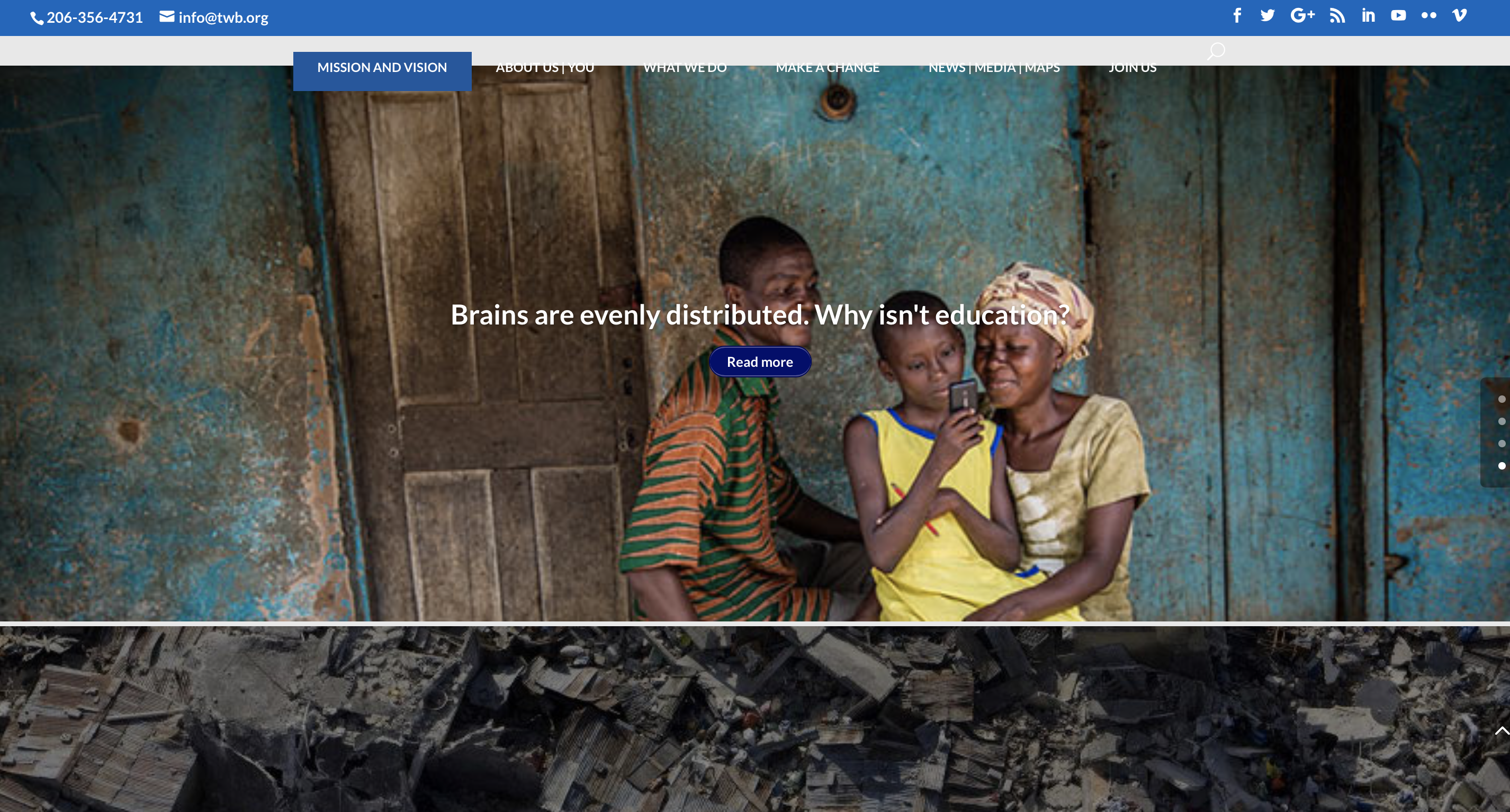
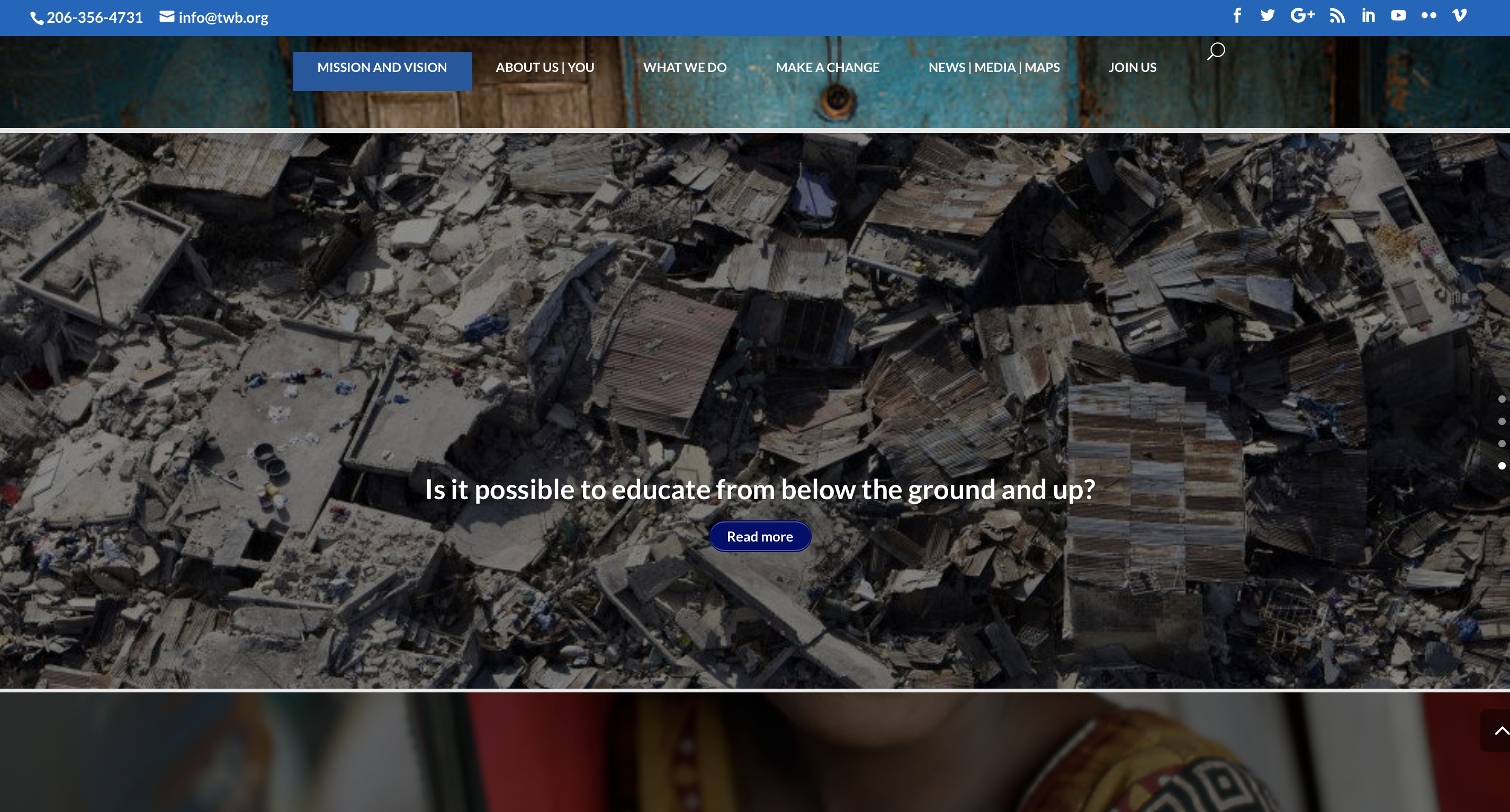
https://teacherswithoutborders.org

In hopes of maintaing my blog and doing an internship with Teachers Without Borders, I will grow as an individual and future teacher to give my students the best education they deserve. As a future teacher, my goal is to educate, inform, and perpare students to become the best they can possiboly be and to never give up on them. My time in Ed Media Theory has come to an end, but I will remain knowledgable in the tools I have learned and I will stive to improve and learn in everything I do. I can’t wait to take more teaching classes at UW- Platteville to expand my knowledge and apply those tools in my blog to educate future teachers and whoever is viewing my blog, and perpare myself when I do my internship with Teachers Without Borders. Stay tuned for all the fun that is yet to come!
Techy Teacher Tips

Hello my friends!!! I have been all over the place in the past few weeks and the reason for that is because of exams, club meetings, and I recently added a TESOL minor, which is Teaching English to Speakers of Other Languages Licensure Minor. This licensure is designed for students interested in teaching English as a second language in a K-12 setting. I also got the privillage to witness an ELL bilingual teacher, Emma Behlen who works in the Darlington school district as she works mainly with students who speak spanish as their native language, coming into the United States not knowing any English. I went to observe with Dr. Yuanguan Hu who is the director of the TESOL program, on how the teacher, Emma interacts with her students and what methods she is using in her classroom to teach to the EL kids. I was able to get first hand expeirence if being an ELL bilingual teacher is what I truly want to be in the future, and honestly it is something I would love waking up everyday knowing I am helping a child learn English. I say this because I have seen my dad and grandparents struggle with not being able to speak English in America and every time they have a doctor’s appointment or want to go out, they ask me or my siblings to go with them because they need a translator. Therefore, I know the importance of being able to speak English in this country is essential.

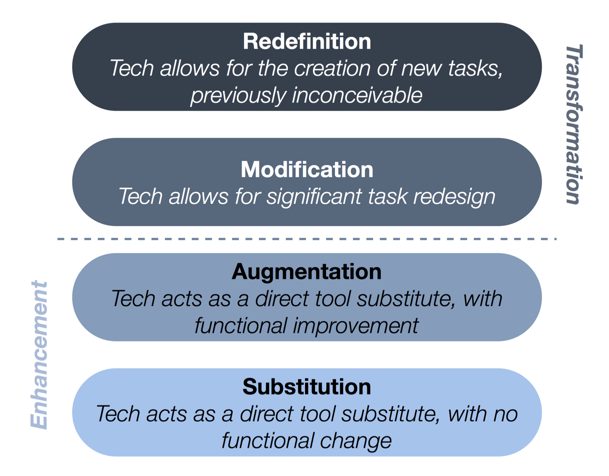
Before I jump in, let me back track and tell you what I have been learning in my Ed Media Theory class. In the past few weeks, I have learned about SAMR and Bloom’s taxonomy and for those who aren’t education majors, probably don’t know what those words stand for and what there purpose serves. SAMR stands for substitution, augmentation, modification, and redefinition and the purpose of SAMR is a model designed to help educators infuse technology into teaching and learning. It enables teachers to design, develop, and infuse digital learning experiences that utilize technology.

What is the SAMR Model?

https://www.iddblog.org/transforming-your-teaching-the-samr-model/

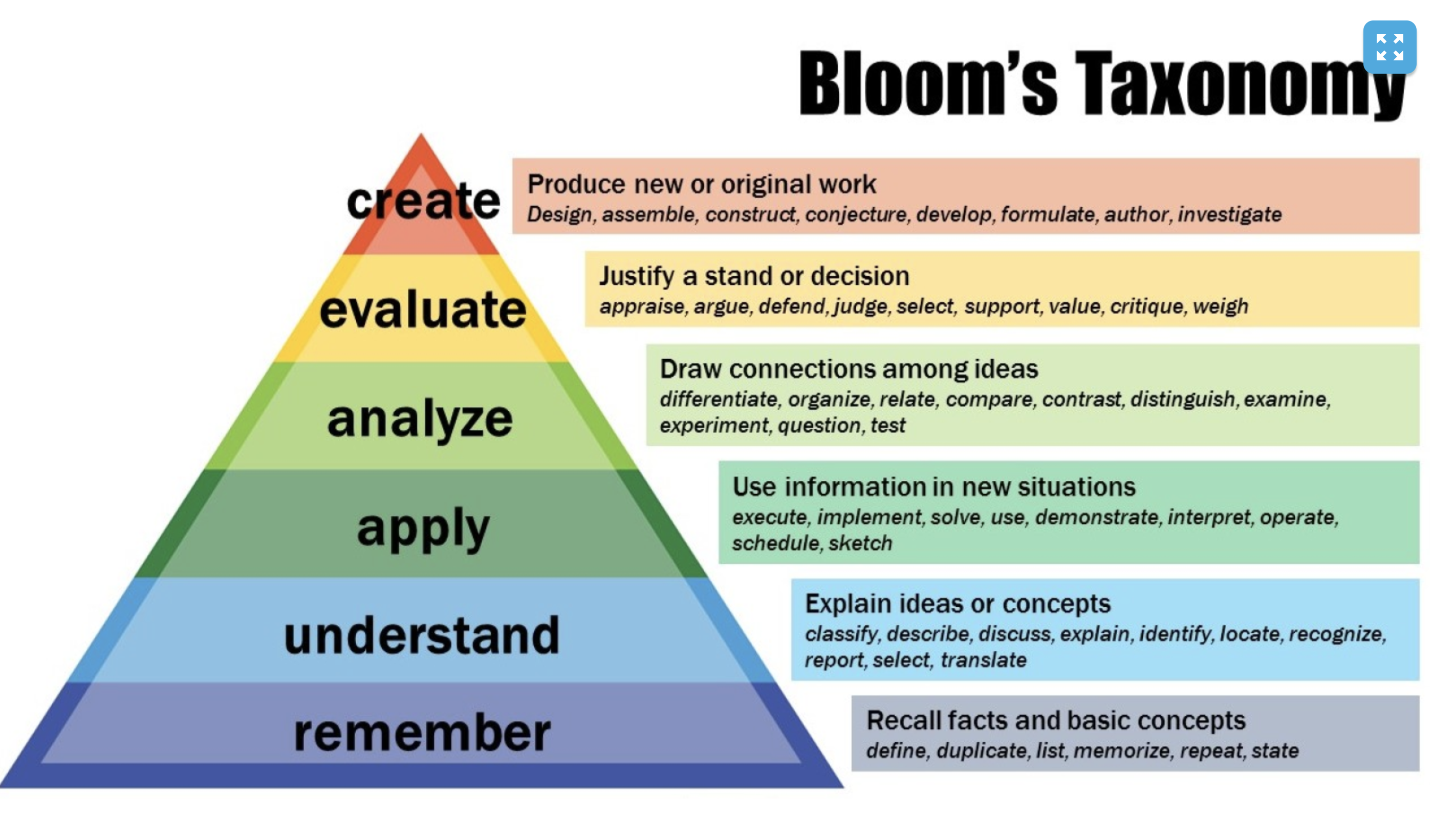
Along with the Bloom’s taxonomy topic I learned an educator should know the importance of using it in their future classroom. Bloom’s taxonmoy is a set of three hierarchical models used to classify educational objectives into levels of complexity and specificity. The models were named after Benjamin Bloom, who charied the committee of educators that devised the taxonomy. As Caitlin mentioned, it is used when teacher want to ask questions, write tests, and design other assessments. The objective of this is to encourage higher level thinking by building on lower-level cognitive skills.

https://cft.vanderbilt.edu/guides-sub-pages/blooms-taxonomy/

Video to Bloom’s Taxonomy explaining the why, how, and examples.

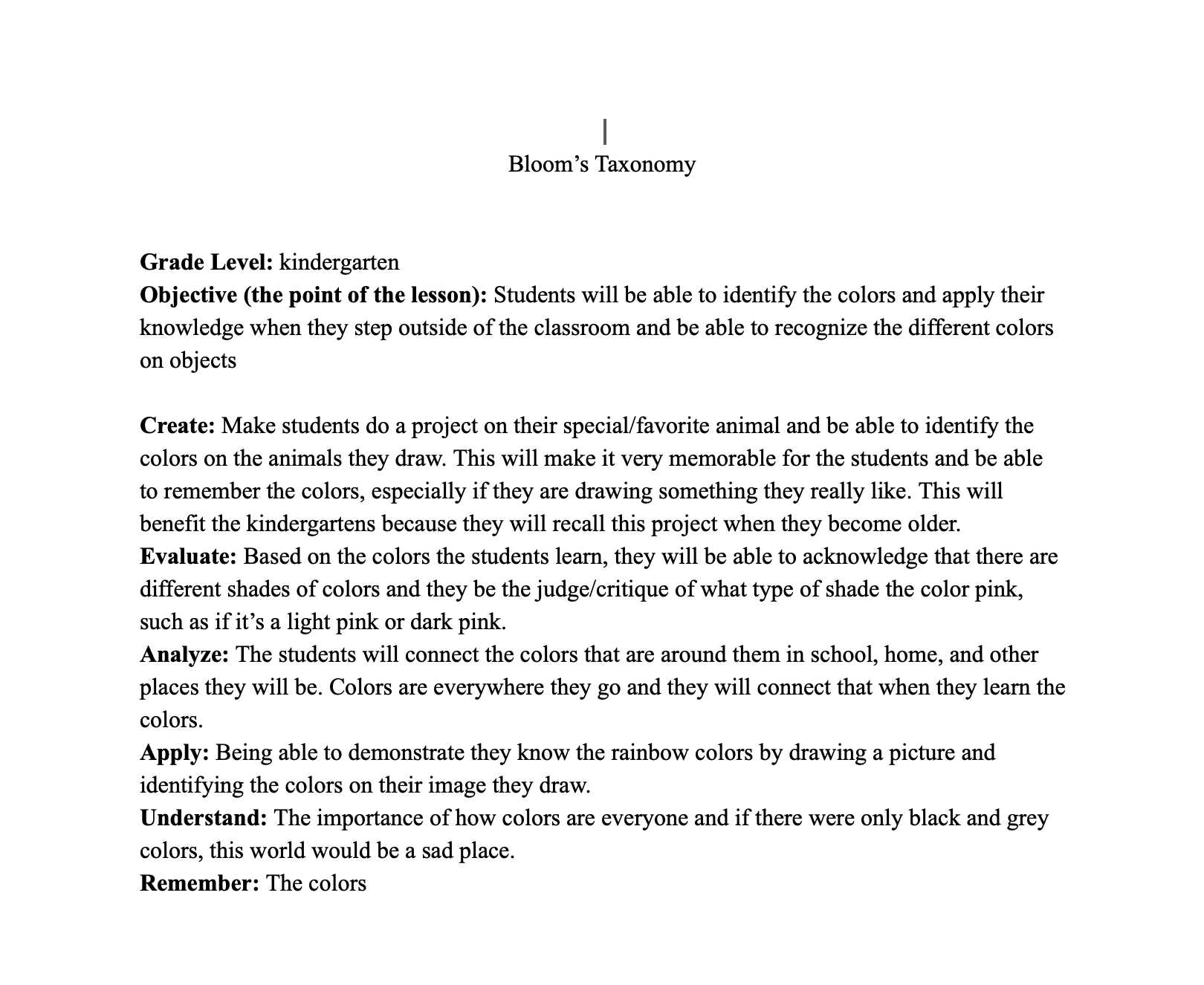
I created this Bloom’s Taxonomy during class

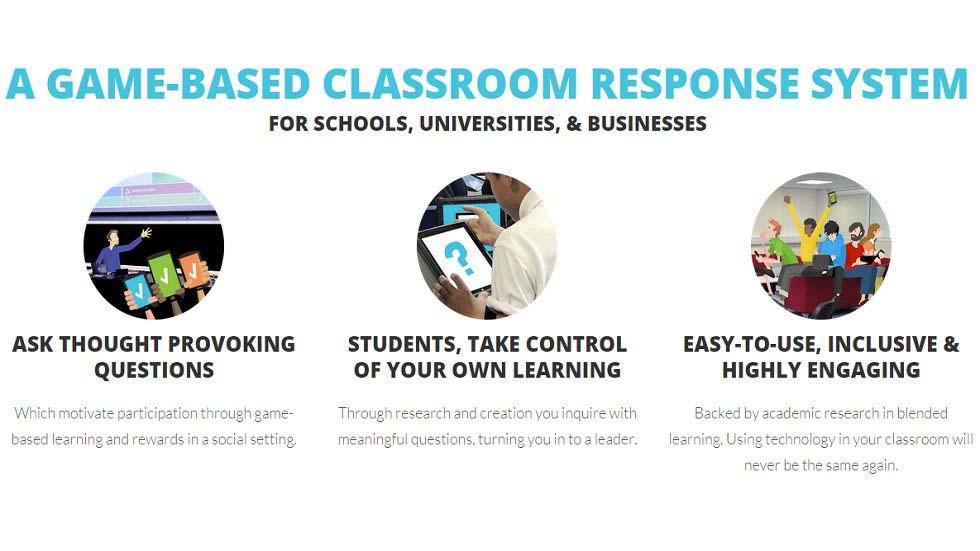
The three technology resources I would like to use in my future classroom would be Kahoot, chrome extensions, and Youtube playlist. Kahoot falls within the lines of SAMR and Bloom’s taxonomy because it is a tool that uses technology to administer quizzes, discussions, and/or surveys. It is a game-based learning platforms, used as educational technology in classrooms, that uses multiple-choice quizzes and can be accessed with smartphones, tablet, or computer. Kahoot can bea great technology resource that brings a lot of interaction to the classroom, engaging students to participate. The teacher is in control of advancing the questions allowing the teacher the opportunity to build discussion time between questions. A majority of students have said they like the competitive nature of the game and helps them retain concepts because of the pictures and videos teachers add to the Kahoot they created. Although Kahoot can be a great tool used in a classroom, there are some disadvantages. Such as Kahoot games are not used to thoroughly teach material, the way it reviews material is too dependent on time given to answer the questions and teacher discussion regarding wrong answers. For example, if multiple students answer a question incorrectly, depending on whether or not the teacher wants to discuss why, or just move on with the game, the students will not get an explanation to why they answered the question incorrectly, nor will the teacher understand the nuanced thought process’ of each student into why they chose a certain answer over the correct one. However, this argument is still heavily dependent on the teacher who is conducting the Kahoot. So, because Kahoot itself has too many factors to consider how productive the outcome truly is, it might be better not to use it as a first option.

http://edtechreview.in/news/1490-how-kahoot-can-help-teachers-to-engage-students

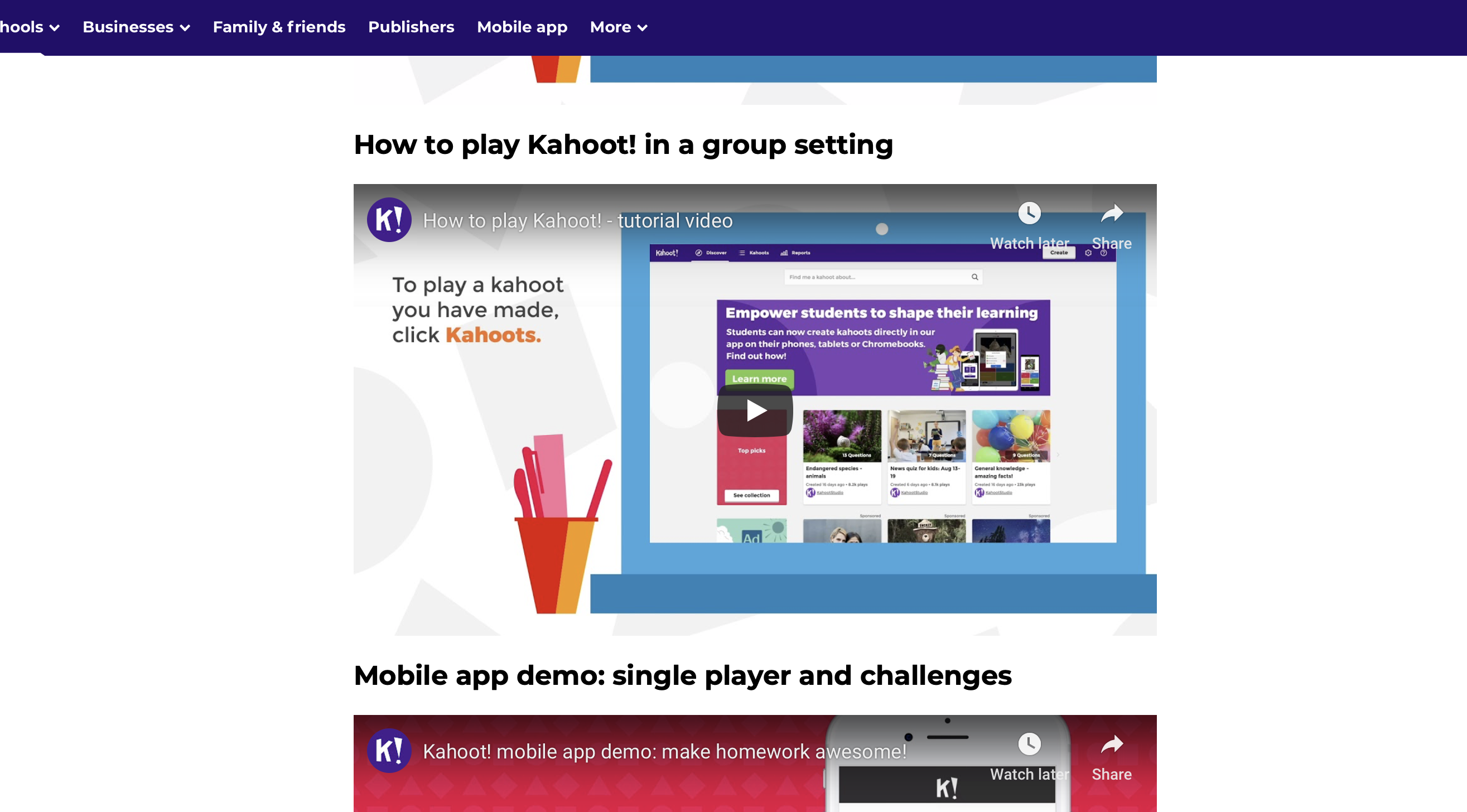
Here is the link to multiple videos that helps guide a teacher on how to use Kahoot:

https://kahoot.com/how-to-play-kahoot/

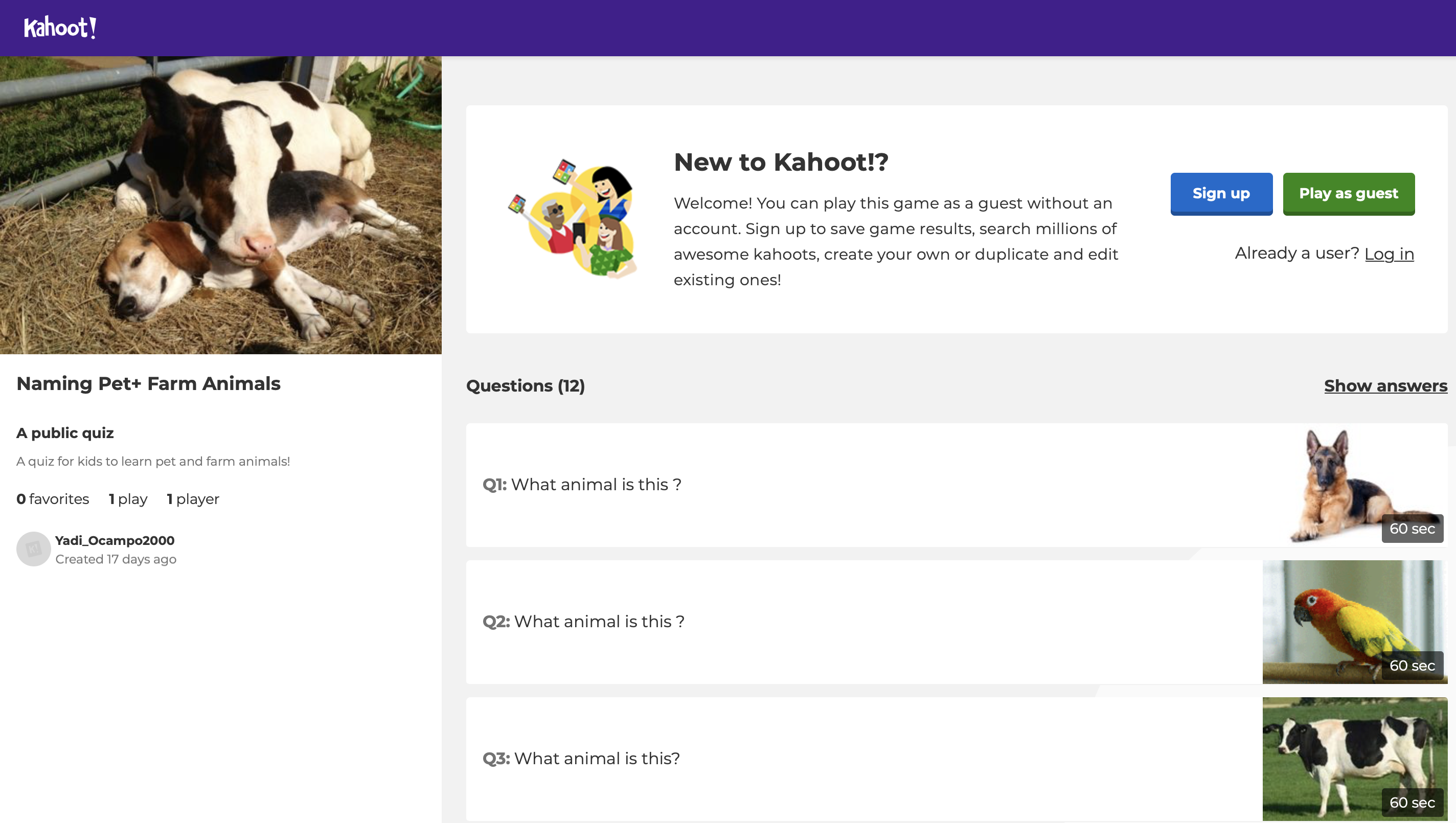
The Link to my Kahoot I created! This would be for K-4th grade.

This is where the link will take you, you then click play as guest!

Chrome extensions would be very beneficial to use in my future classroom because it is a small software programs that customize the browsing experience. It would challenge students to be able to use technology and get the full experience on what chrome offers because as technology continues to grow and get more advanced, students and teachers also need to get taught and use the new technology that is coming out. For the purpose to improve classrooms and so kids can have more available resoucres at their hands. Even if my students can’t take their laptops home, it is a supportive tool that can help kids when they are doing assignments or projects during work time. Chrome extensions would be very beneficial for kids with disabilties, such as read and write. But there could be some cons while using chrome extensions because my students and I could run into technology issues.

A link to a video on 10 chrome extensions that are useful, enjoy!

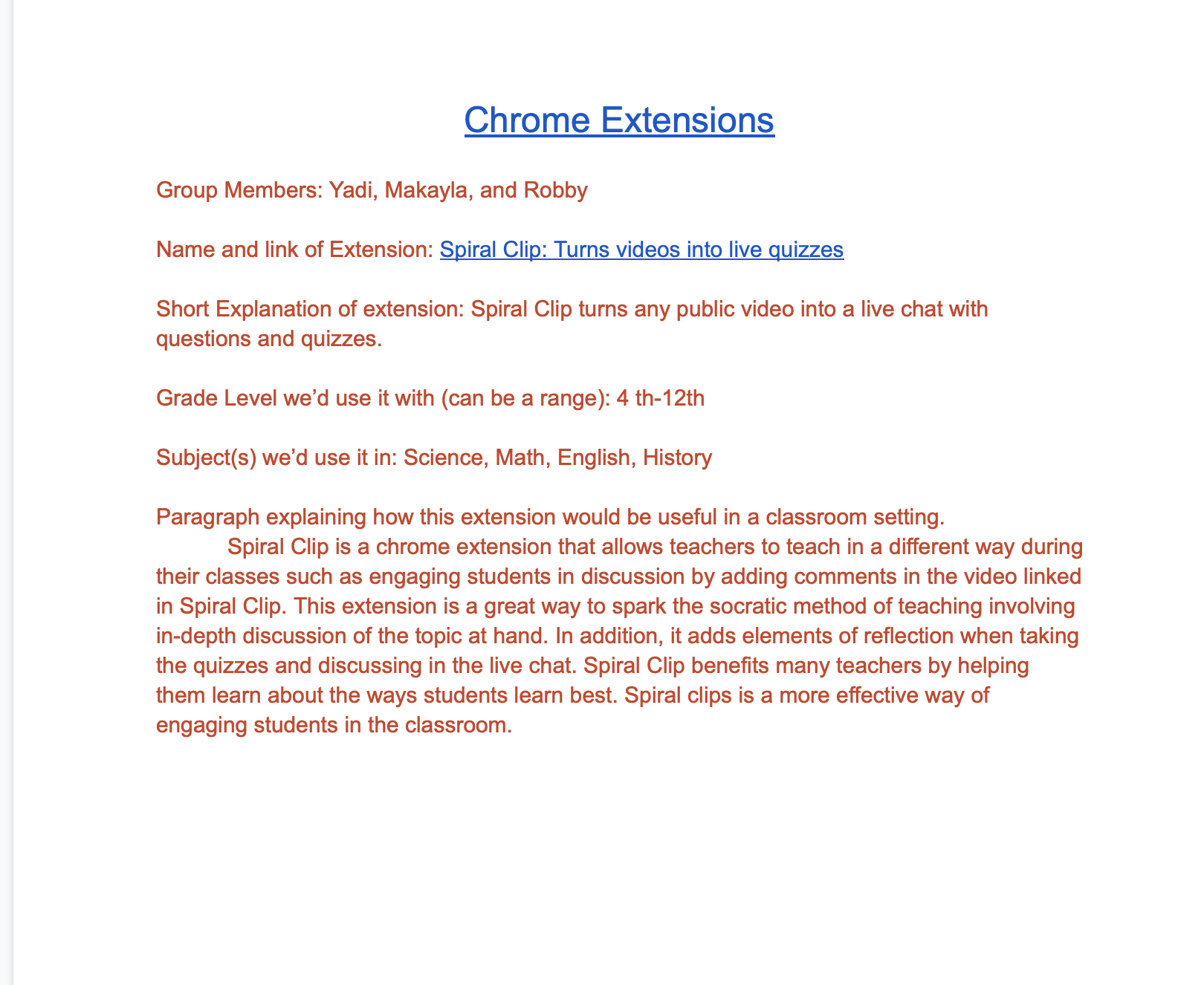
My partners and I taught spiral clip to our classmates

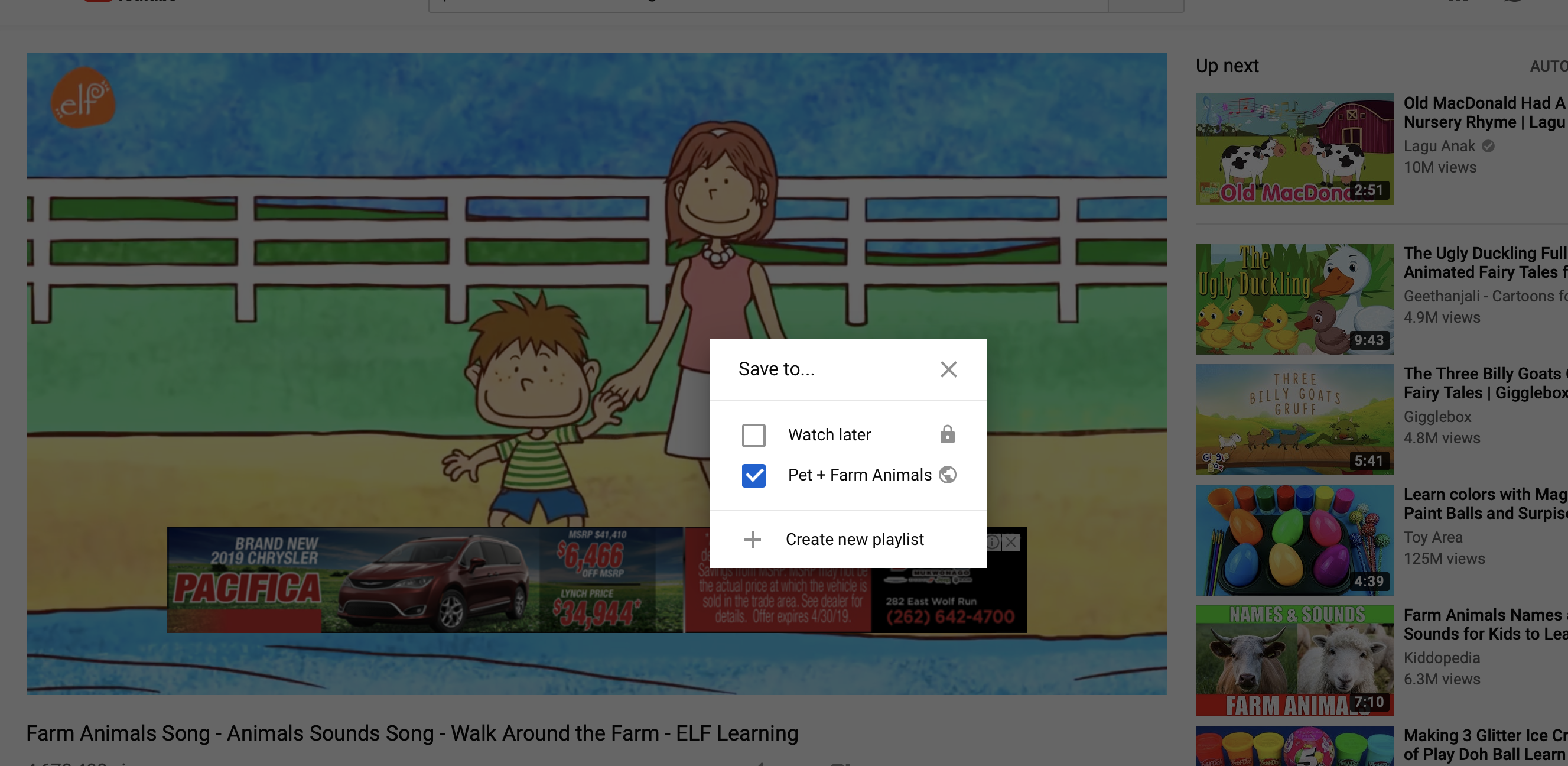
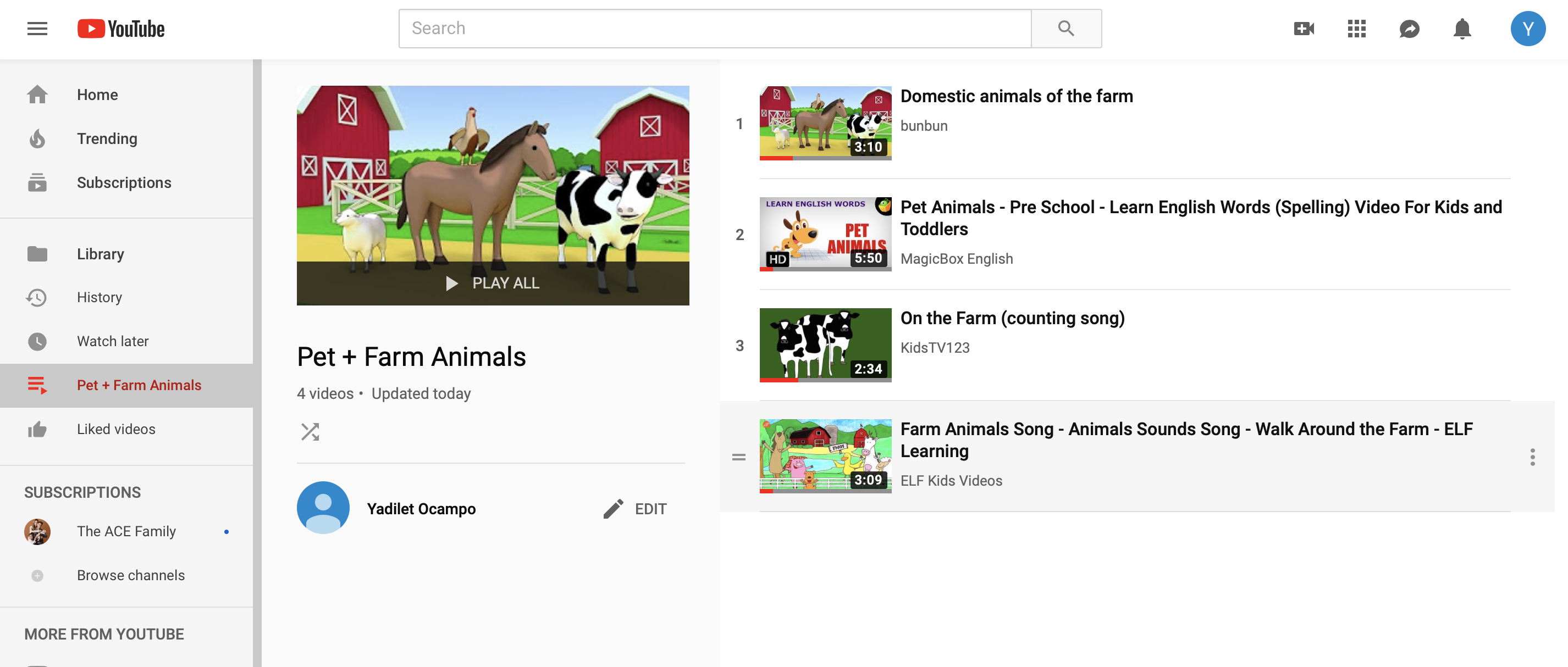
A Youtube playlist is another great tool that teachers can use for perparing for a class, if they plan on showing more than one video. A playlist helps a teacher stay organized and the nice thing about it is that the next video starts automatically so you don’t have to click or search to start playing a new video. A youtube playlist is helpful for teachers because students often get distracted when a teacher searches the next video and by the time the teacher gets the video up and going, you have lost the students attention. For instance, if I assign a group project where kids have to make videos on three different scenes from a book we read, they would upload the videos to Youtube and make a playlist to show the class and the three videos would automatically play without having to click on the next video. The only con I can think of is technology issues once again, therefore, I would make sure I had a backup if I were going to show videos during my science class.

My playlist I created

Overall, these technology resources I learned in Ed Media Theory were very useful and I will be using them in my future classrooms. I have realized that I will have students who learn differently so I will have to be able to accommodate to my students needs. Especially if I am working with Hispanic children that don’t know any English, I will need to come up with lesson plans that include visual, auditory, read& write, and kinesthetic. I hope that I was able to provide useful information to my educators and future educators tools to apply in their classrooms to improve their teaching styles.

Making an Infographic!

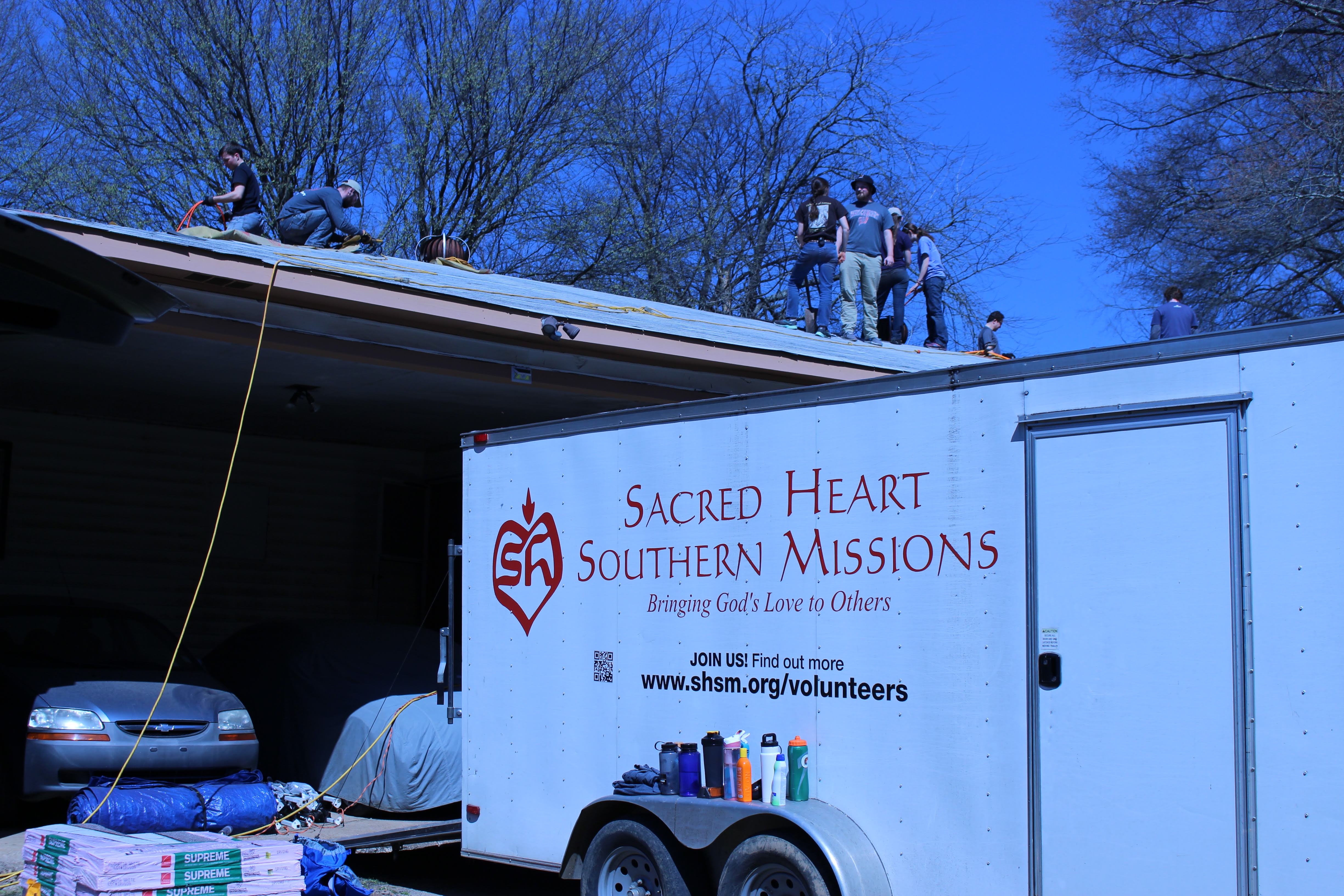
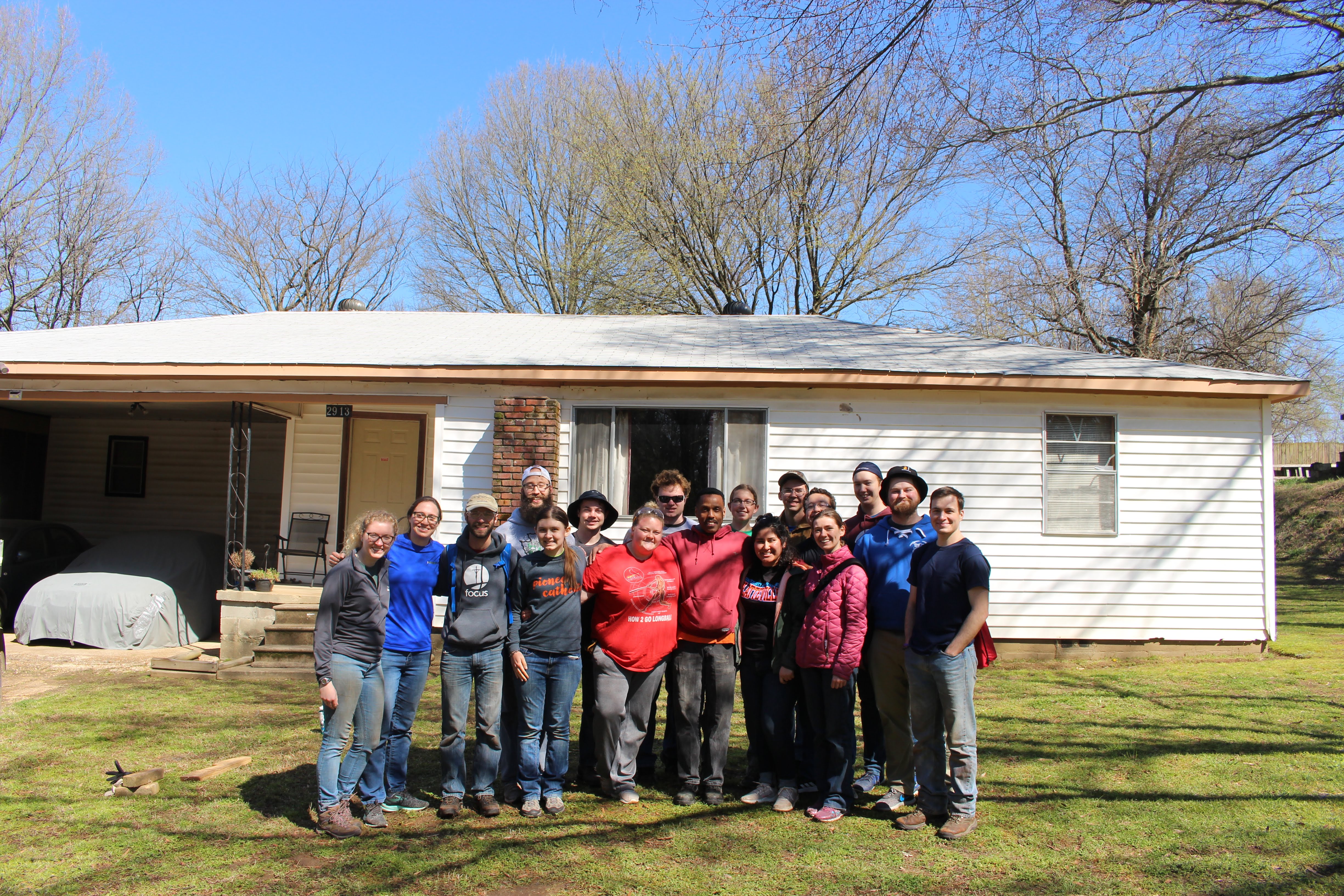
It’s crazy to think that 2 weeks ago I went to Holly Springs, Mississippi for Spring Break to serve the community of the South. I went with the Saint Augustine Newman Center and partnered with Sacred Heart Southern Missions to do volunteer work. During that week, 15 students, 3 FOCUS missionaries, and 3 campus ministries split off to go work at 2 different houses. I went to Ron’s house to tear down his roof that would leak when it rained and rebuild his roof so he no longer has to worry about his roof leaking. My time in Mississippi was an unforgettable experience that I will hold close to my heart because it was a very eye opening. The South has such a rich culture of diversity, the way people interact with each other, the religions, the history that has left scares in the communities, and the ancestors that have told the painful stories to their children, and pasted it down to the next generations. When the Civil War ended and the Civil Rights Movement came to pass, African Americans experienced intense discrimination and shortly, white people were lynching colored people. Most of the stories are disturbing but need to be told in order for political agendas to have a clear understanding of what life was like for African Americans after slavery and ensure lynching never gets repeated. Too often there is a purposeful ignorance that contempt those of color and African Americans faced daily: a life without justice and a life without safety.

Many of you are wondering what an Infographic is by the title of my blog! Well let me tell you… An infographic is condensing complex information into a simple and concise way. For instance, a student would much rather see an infographic about WW2 than read about it in a textbook. They are graphic visual representations of information, data, knowledge intended to present information quickly and clearly by utilizing graphics to enhance the human visual system’s ability to see patterns and trends. Infographics are a great way to teach in a different style by emphasizing on students who learn better visually, they will benefit from this. In fact, the brain processes visual content 60,000 times faster than with text. Don’t get me wrong, reading is a great to get the brain working and improve students reading skills but this gives students the opportunity to learn material in a different way and expand the teacher’s knowledge on different ways to teach to their students. This is because not all 20 students a teacher has in a classroom will have the same talents, gifts, and learning styles.

Image result for the purpose of infographics
https://www.infographicdesignteam.com/blog/defining-purpose-infographic-strategy/

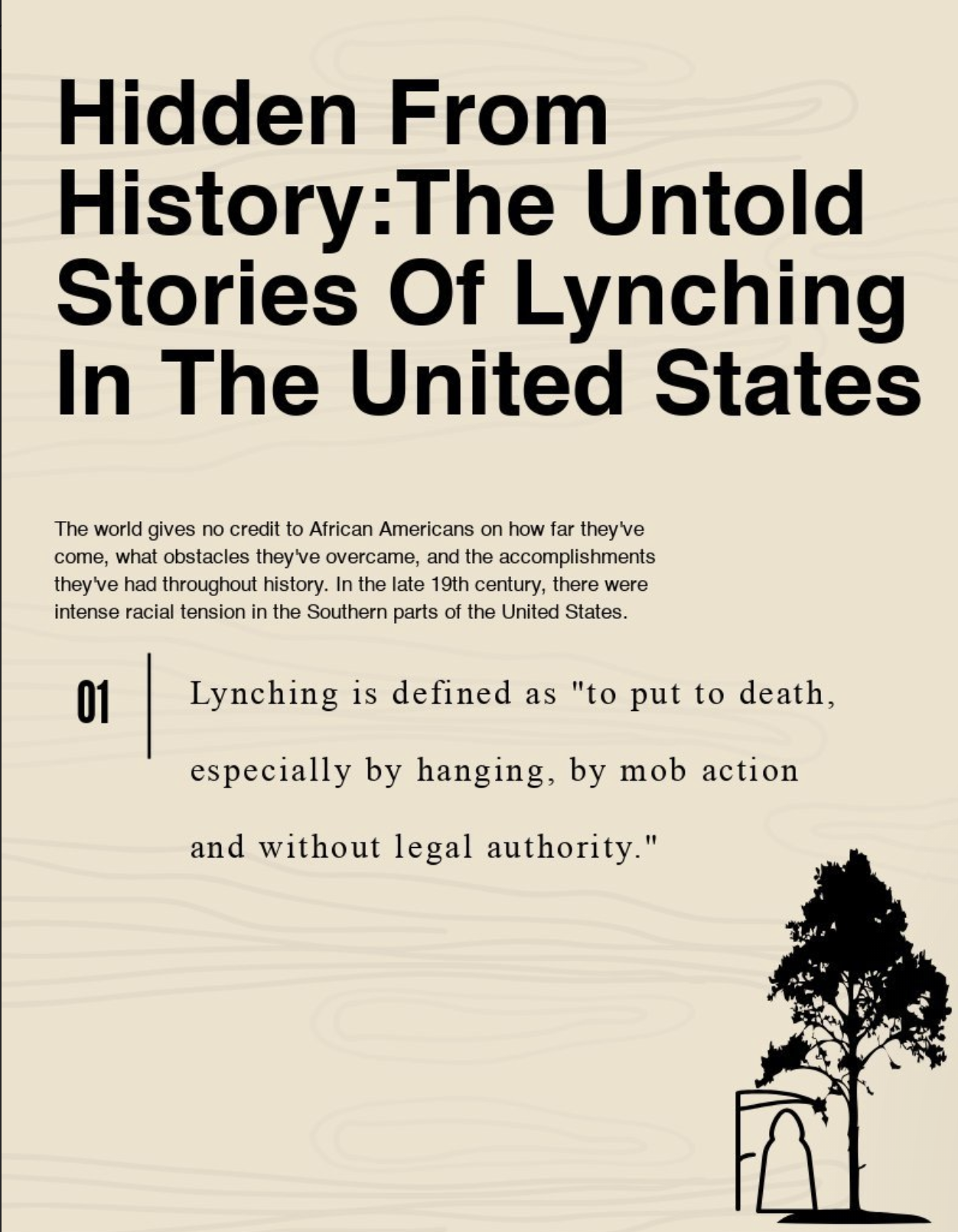
This entails me to telling you about my infographic I did, and that is the history of lynchings in the United States. I decided to pick this topic because I was in Mississippi and it got me thinking of the lynchings that occurred in the South. It was brought to my attention that there is still segregation happening in Mississippi and it made me reflect on the history that took place in the South with the intense racism and in fact, Mississippi had the highest lynchings. For this purpose, I chose to educate people on the untold Stories of lynching that took place in the United States because so often they are hidden from history and are not discussed frequently in schools or illustrated in history textbooks stating the extreme violence of racialism in the Southern parts of the United States. Below is the link to my infographic:

https://create.piktochart.com/output/37820008-untitled-infographic

In the future, I will use infographics in my classroom when I teach a lesson about science because science is complex and usually students understand science better when pictures and videos are presented to them. Therefore, since I don’t want my students getting bored when I am teaching a lesson about how science is implied in our daily lives and it’s everywhere, I would make an infographic and add graphs, pictures, and videos to enlighten my students and make sure I capture the importance of why science matters. Another subject that I would use infographics is social studies because as many times as I hear my little brother tell me social studies sucks due to the fact that his teacher teaches from the textbook only, she starts loosing many kids and they loosing the importance of why social studies matters, and why they need to learn it. Textbooks are needed in a classroom but making kids read an entire section about the medieval times is not going to be very beneficial. This is where I would create an infographic by putting the important aspects of what were the significants about medieval times and put a short clip of that time period. For example, I would add graphics such as a graph of how long that period lasted and images about important people during that time. It’s super important to inform students what’s the purpose and importance of learning the lesson that a teacher is teaching in a classroom. It’s time to make kids love learning again!

Movie Making Process: Mixing Colors

In the last few weeks, my partners Lauren and Brianna, and I created a video on mixing colors for kindergartens. The purpose of making the video on mixing colors was to teach children about primary and secondary colors as teachers. As I mentioned, this class is about learning how to utilize technology as future teachers, how to apply technology in our classes, and how communicate with our students and parents. Therefore, the purpose of this project was to make a video as teachers and practice working with technology by using TouchCast studio, iMovie or Wevideo, gaining experience on planning, creating, and editing a video.

1.Downloaded two chalkboard images and saved them to Lauren’s Google drive account under her jpg file. In case one of the two chalkboard pictures didn’t work for the green screen, we had a backup.

2. Downloaded Touch Cast on an iPad and made an account. Below is a tutorial of TouchCast studio:

This is the chalkboard used as the background during the film.

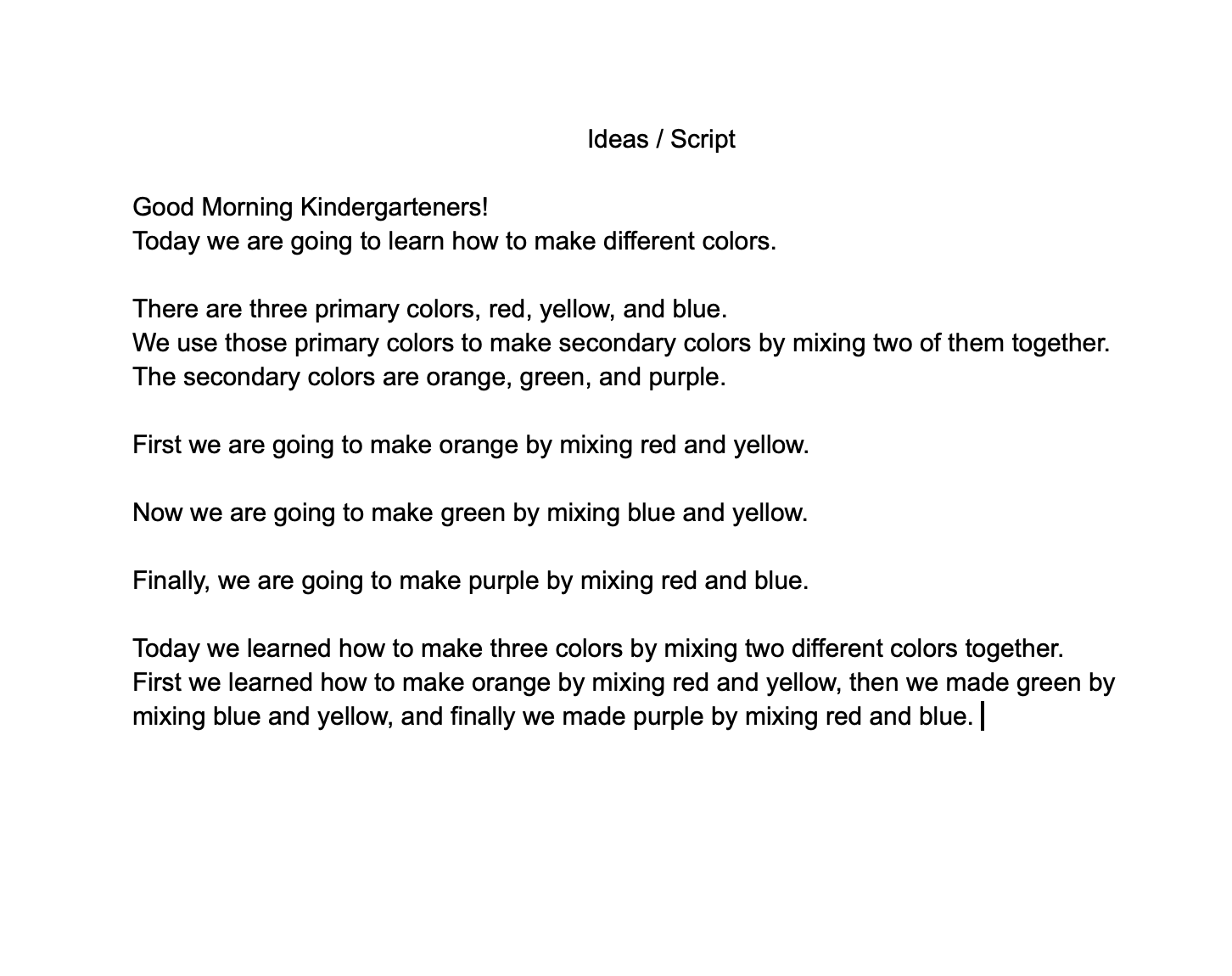
The primary colors that we used were red, yellow, and blue. We made a script to make sure we had structure and organization when making the video. Directly below is the script my partners and I used during film making.


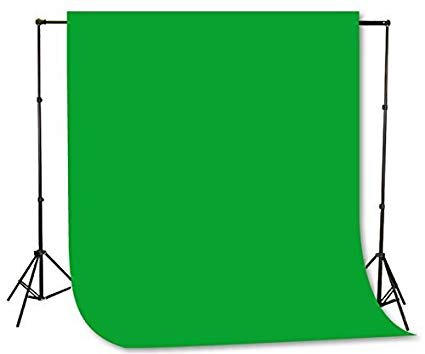
3. After making our script, we went into a room that had a green screen to start filming. Below is an example of what a green screen looks like.

The primary colors that were used and then combined to make secondary colors:

Red + Yellow = Orange
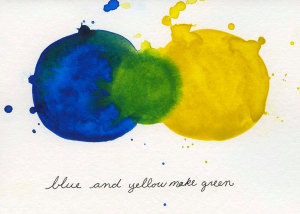
Blue + Yellow = Green
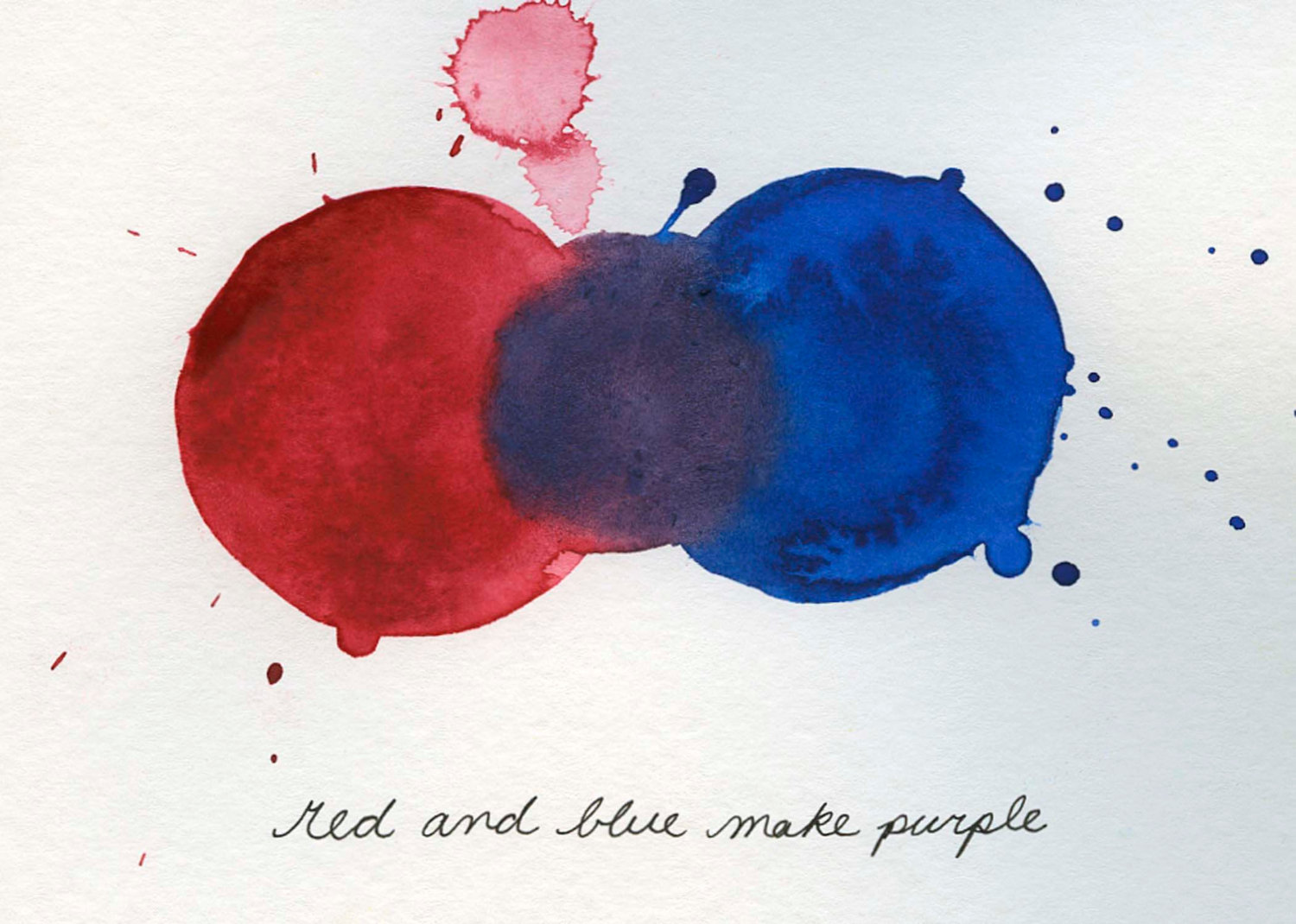
Red + Blue = Purple

4. My partners and I filmed within one class period on the introduction and teaching what primary colors make secondary colors. The following class period, we finished the conclusion. Lauren shared the video we filmed in our shared folder on Google drive and we individually edited our own video.

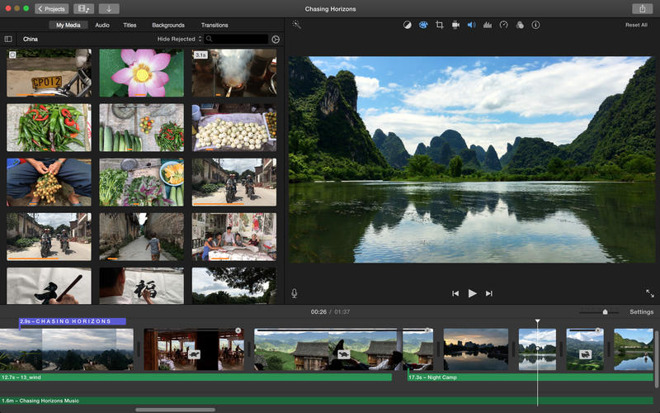
6. We were given the choice of choosing WeVideo or iMovie for editing our video. I used iMovie since it is an app that is installed in MacBooks already. I downloaded the unedited film to my MacBook and started editing. This was my first time editing a video for a class and it was a learning experience dealing with technology. I am very fortunate to be able to take this class because I know by the time I graduate the University of Wisconsin- Platteville and get myself a job at an elementary school, technology will be way more advanced. Therefore, I have to keep up with technology and know how to apply it into my future classroom to connect with parents and allow the community I am from to see all the wonderful things my children and I do in class. For example, when we going on educational field trips, I can film and upload it to my blog for parents to see. I want my classroom to come alive and into the community of the rural or urban area I will live in.

Below is a tutorial on basics of editing a video for beginners on iMovie:

Tip: iMovie is an installed application in MacBooks

7. Overall, I enjoyed making the video and editing. I definitely got out of my comfort zone by trying something new such as this. I had some technology issues with my MacBook freezing up on me multiple times when I was editing my video on iMovie. This taught me to have patiences when dealing with technology because you never know what is going to happen when you’re working with technology. This is another form of teaching children by making a video of myself teaching the lesson and/or filming a video of them acting out a scene from a book read in class to show parents what they are learning. As a future educator, I will doing everything in my power to make sure I know what learning styles my children work best with and truly learn from example.

I attached my video below, I hope you enjoy!

Image Sources:

https://www.etsy.com/?ref=lgo

https://airfreshener.club/quotes/blank-chalkboard-eraser.html

https://www.amazon.com/Fancierstudio-Background-Backdrop-Support-Chromakey/dp/B01ACF5P2K
h

http://cececaldwells.com/blueridge/

https://thisbrazenteacher.wordpress.com/2012/11/01/red-and-blue-make-purple/

https://appleinsider.com/articles/18/11/07/apple-updates-iwork-imovie-for-ios-mac-garageband-for-ios